1
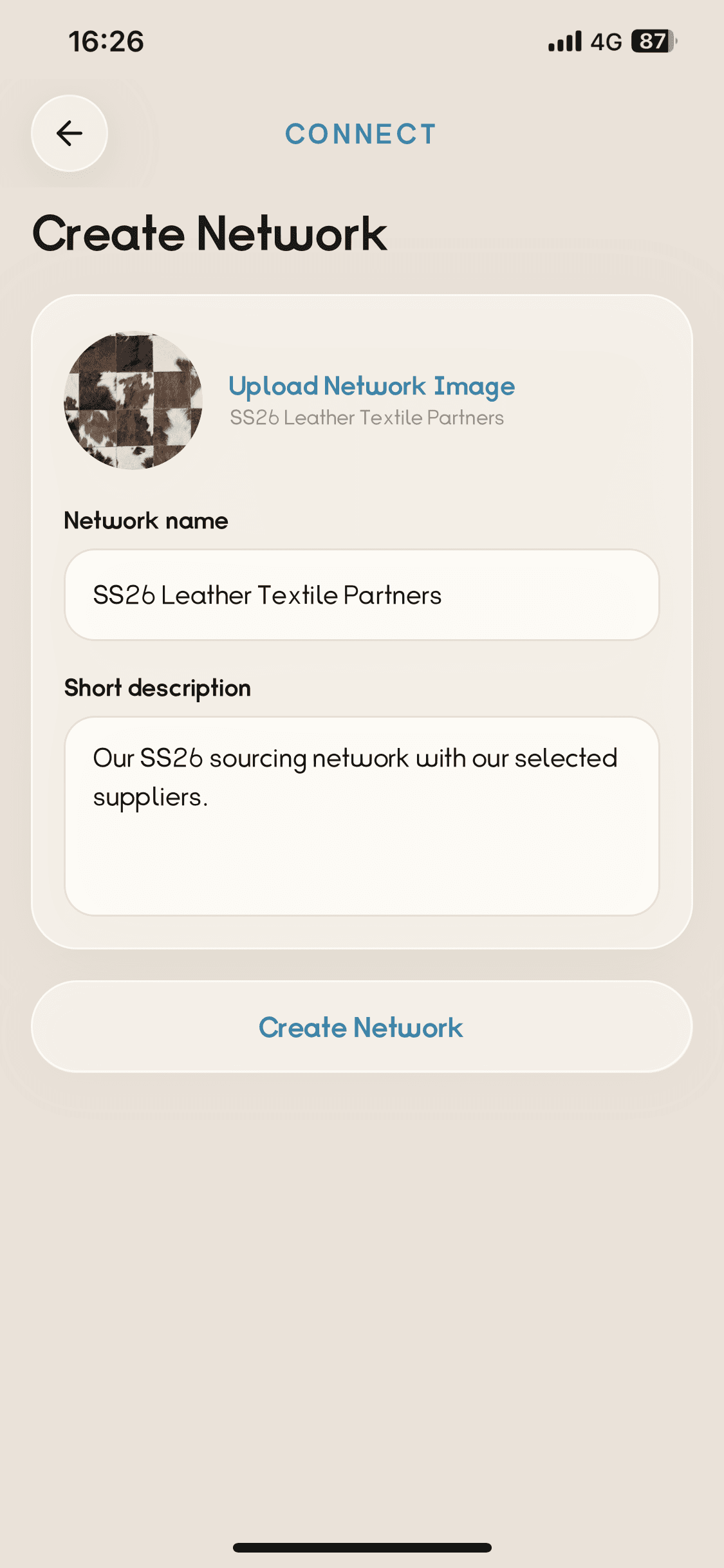
Create your network
Name the private space for your project or partners.
Connect Enterprise
Let your team source what you need, show what your company offers, and create more business opportunities together.
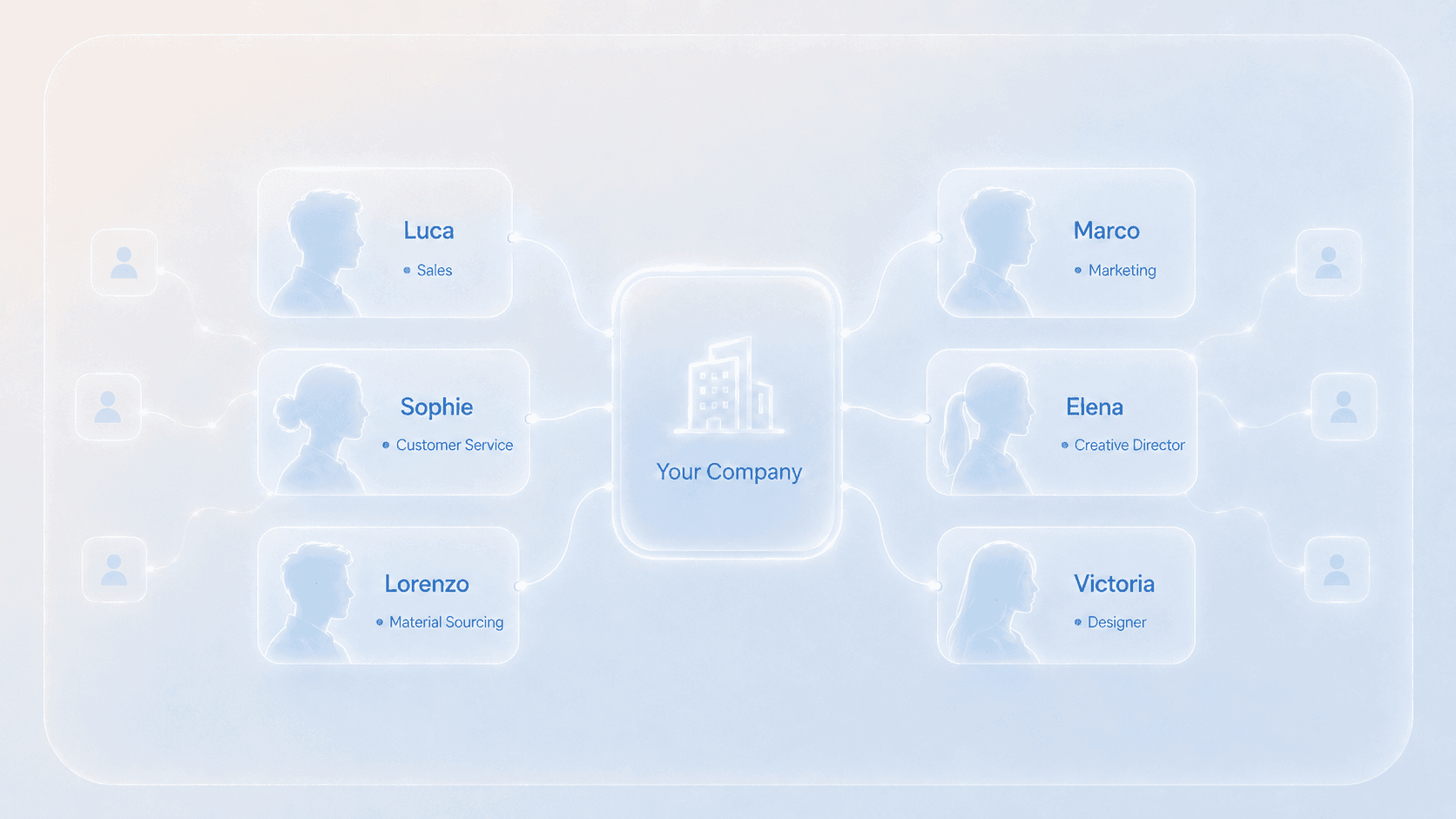
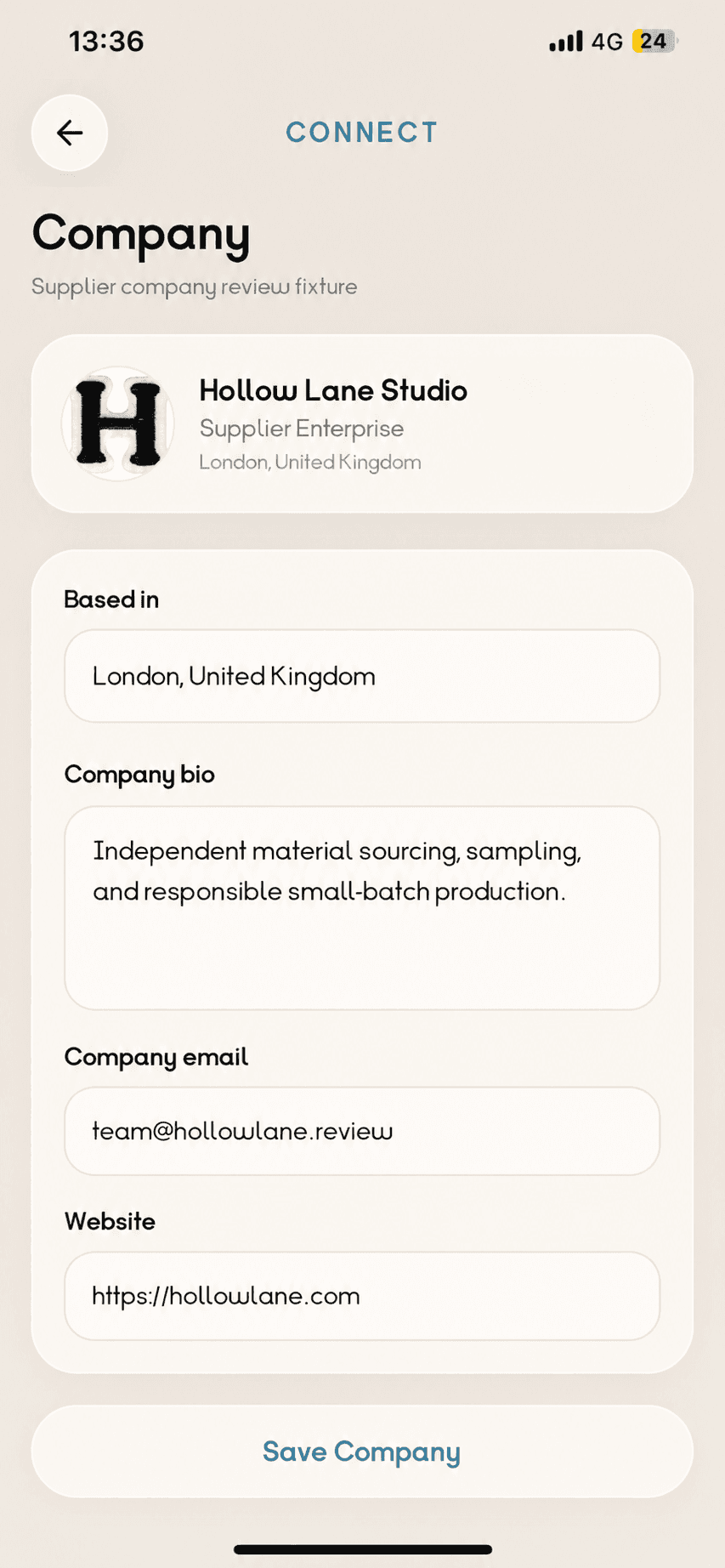
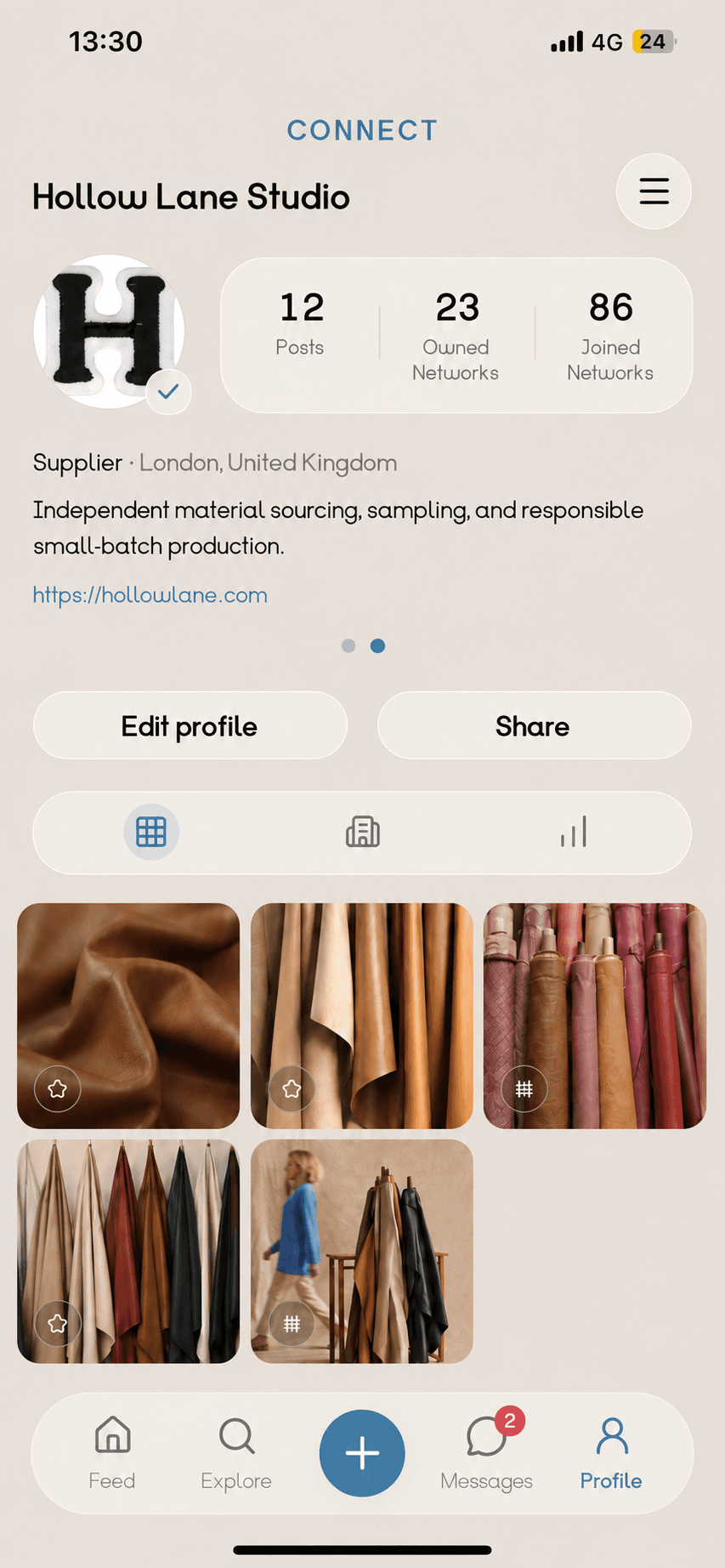
Company and Team
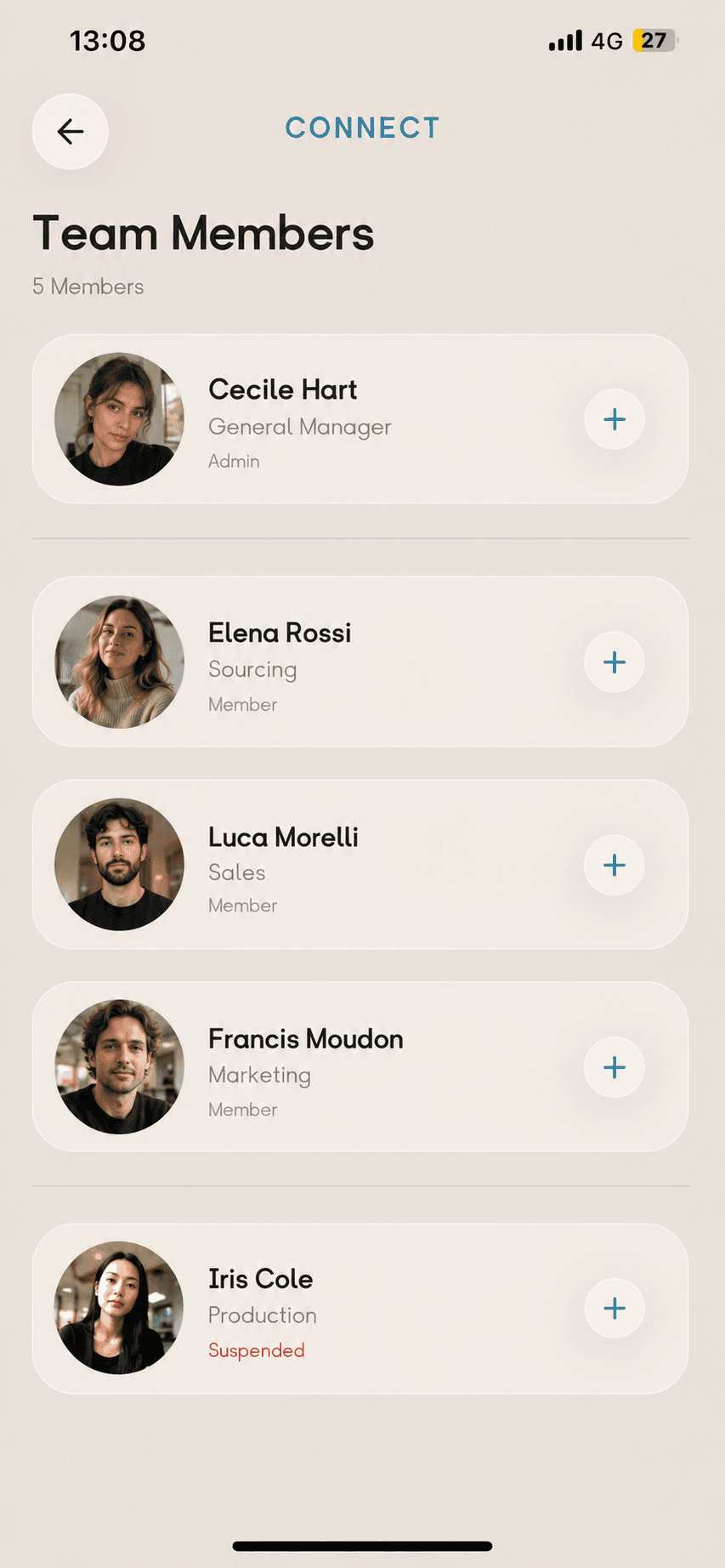
Create your Company profile, see it publicly, manage your team, publish as the Company, and work together in one Workspace.

Private Networks
Create a Private Network, invite selected people, discuss shared work with the team, and continue one-to-one when needed.
1
Name the private space for your project or partners.
2
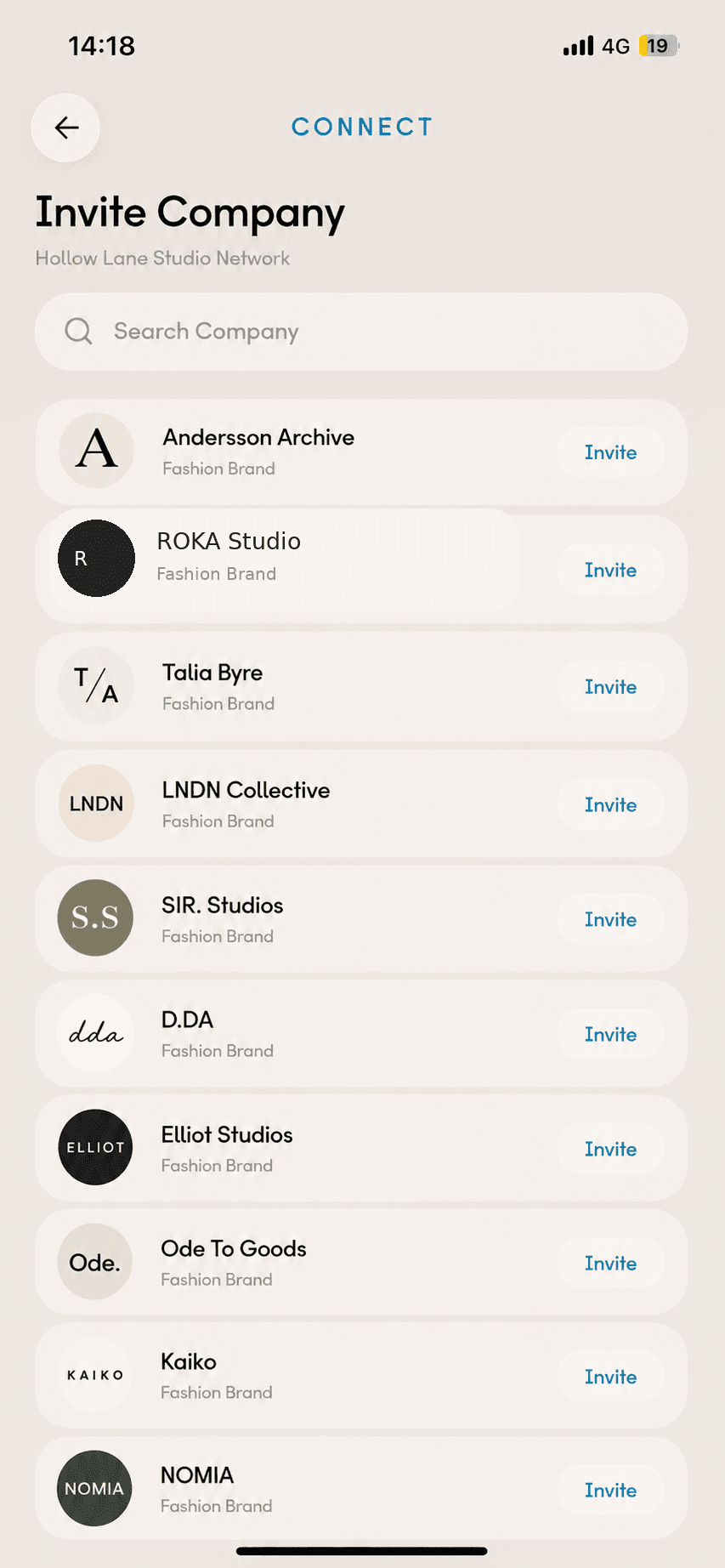
Choose the Companies you want inside.
3
Enter the private space when you need it.
4
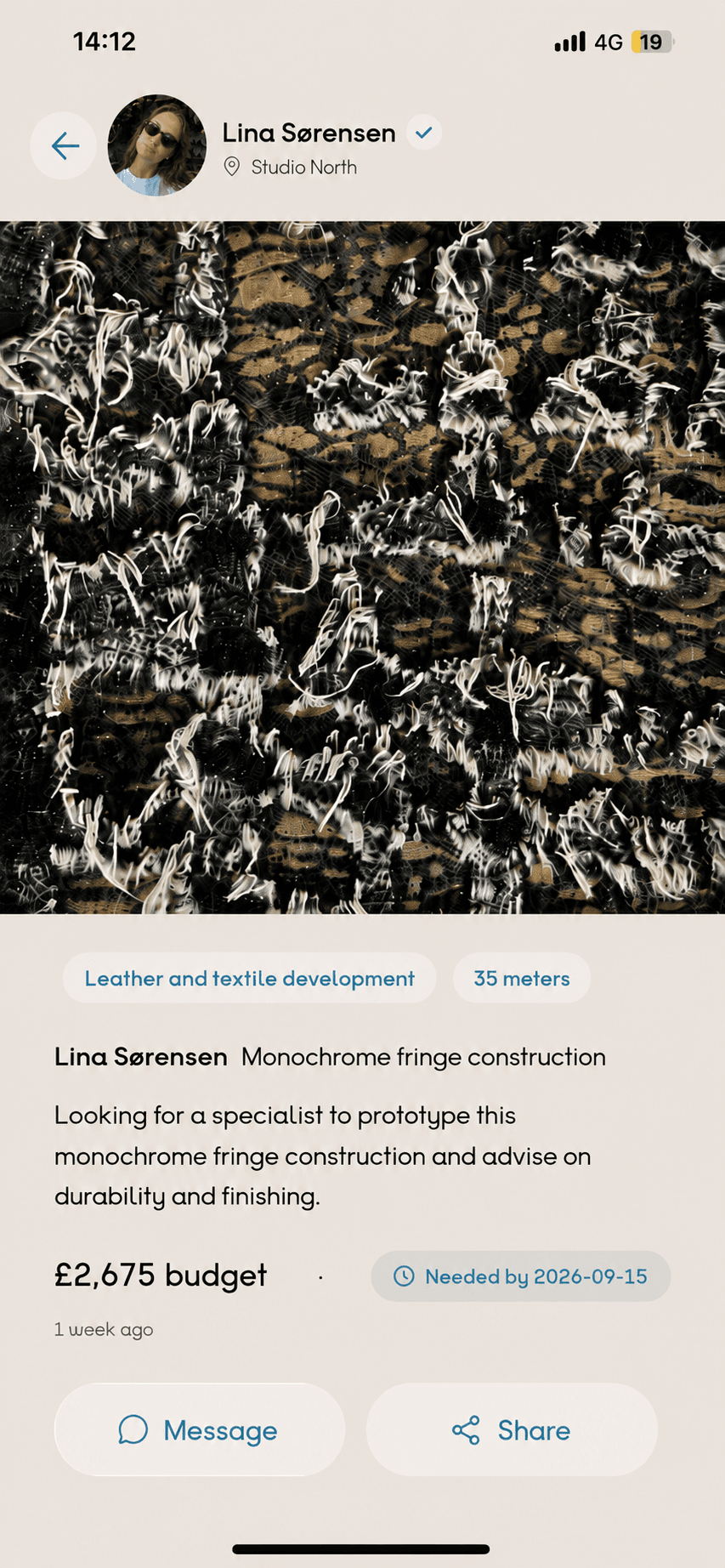
Open the post you want to share with the team.
5
The shared post appears in the private team conversation for discussion.

6
Move into a private direct conversation when needed.

A Private Network is an invite-only space inside Connect.
Share private work with only the people you choose.
Company plans
Every team is different. Choose the plan that fits yours.
Enterprise
£199/month
Enterprise
£399/month
Enterprise
£699/month
Enterprise questions
Simple answers about Team Members, Company profiles, plans, and Private Networks.
Small, Medium, and Large plans use the capacities shown in the plan cards.
Active, valid, capacity-covered Team Members can publish Company-owned Posts and Requests.
Yes, within the owned-network capacity of its active Company plan.
Only invited people with valid access to that specific network.
Yes. Private content remains inside the selected network and never falls back to Public.
Yes. A private Post can appear in the selected team conversation, and people can continue one-to-one when needed.
Plan changes must follow the confirmed subscription and capacity rules.